Find Lost Photo Locations: Get GPS Coordinates from EXIF Data
Have you ever scrolled through your old photos and stumbled upon a stunning landscape or a charming street, only to realize you have no idea where you took it? That forgotten beach, that hidden cafe, that breathtaking mountain viewpoint—the memory is vivid, but the location is a blank. It's a common frustration, but what if the answer was hidden within the photo file itself? This guide will show you how to find photo location data and rediscover those lost places. What is EXIF data, and how can it be your personal digital mapmaker?
The secret lies in a photo's metadata, a set of hidden information your camera or smartphone automatically records. With the right tool, you can unlock these details and retrace your steps. We'll walk you through how to use a secure and private online tool to extract GPS coordinates and bring your memories back to life. Ready to start your journey of rediscovery? You can check your photos now on our free and secure platform.

Understanding Photo GPS Coordinates in EXIF Data
Before you can find your lost locations, it’s helpful to understand where this information comes from. Every time you snap a picture with a modern digital camera or smartphone, a data file is created. This isn't just the image you see; it’s a package containing valuable hidden details, including potential GPS coordinates. This is the key to solving the mystery of "where was this picture taken?".
What is EXIF Data and Why Does it Matter for Locations?
EXIF (Exchangeable Image File Format) data is the digital fingerprint of your photograph. Think of it as a detailed technical label tucked inside every image file. This label records a wealth of information about how the photo was taken, including the camera model, exposure settings like aperture and shutter speed, the date and time, and—most importantly for our quest—the precise geographic location. This location data, often called a geotag, is what allows you to pinpoint on a map exactly where you were standing when you captured that moment.
Does Your Camera or Phone Automatically Store Location Info?
For most modern devices, the answer is yes, provided the feature is enabled. Smartphones with GPS capabilities almost always embed location data into photos by default. You've likely seen a prompt from your camera app asking for permission to access your location; granting it is what turns this feature on. Many dedicated digital cameras also have built-in GPS or can sync with a phone to add this information. If location services were active when you took the picture, the latitude and longitude are saved directly into the image's EXIF data, waiting to be discovered.
Your Simple Online EXIF Location Finder
Now that you know the location data exists, you need a safe and effective way to access it. While some desktop software can read this information, it's often complex or requires installation. A better solution is a dedicated online EXIF location finder that is fast, free, and respects your privacy. That’s where our online EXIF location finder comes in. Our tool is designed to instantly reveal all the hidden metadata in your images without compromising your security.
Why Our Tool is Trusted for Location Discovery
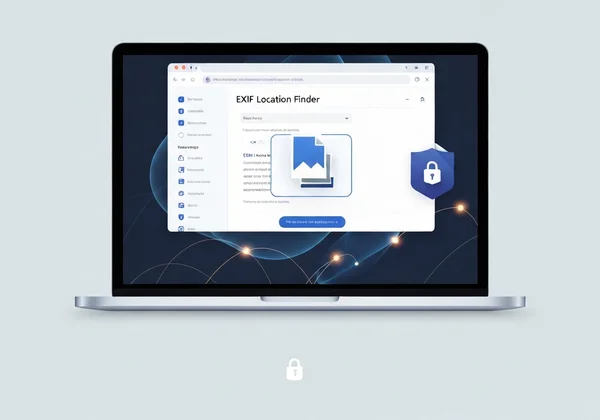
The biggest concern with online tools is privacy. What happens to your photos after you upload them? With our tool, we eliminate this worry completely. Our tool operates entirely within your web browser. This means your photo is never uploaded to our servers—or any server. The analysis happens locally on your computer. This unique, privacy-first approach makes it one of the safest ways to inspect sensitive or personal photos. You get all the information you need with the absolute assurance that your files remain yours and yours alone. You can try our free tool with complete peace of mind.
Supported Photo Formats for GPS Extraction
Whether your photos are from a professional DSLR or the latest iPhone, compatibility is key. Our image metadata viewer supports a wide range of file types, ensuring you can get the information you need regardless of the source. This includes standard formats like JPG and PNG, as well as the High-Efficiency Image Container (HEIC) format commonly used by Apple devices. No matter how your memory was captured, our tool is equipped to help you read its story.
Step-by-Step: How to Find Your Photo's Location
Uncovering the GPS coordinates in your photo is a straightforward process with our tool. In just a few clicks, you can go from a mystery photo to an exact spot on a map. Let's walk through the simple steps to find where your pictures were taken.
Upload Your Photo to Our Tool (It's Quick & Private!)
First, navigate to the EXIFData.org homepage. You'll see a simple interface where you can either drag and drop your image file directly onto the page or click to select a file from your computer. Remember, the process is instant and completely private. Your image file never leaves your device.
Locating the GPS Section in the Displayed EXIF Results
Once you select your image, the tool will immediately process it and display all the available EXIF data in a clean, organized list. Scroll through the results, and you'll find a dedicated "GPS" section. If the photo contains location information, all the relevant data will be neatly presented here.
Interpreting Latitude and Longitude Coordinates
In the GPS section, you'll see values for latitude and longitude. These are the geographic coordinates that pinpoint the location. They might look like a series of numbers, degrees, and letters (e.g., 40° 44' 55" N, 73° 59' 11" W). Don't worry if it looks technical; these are the exact coordinates you'll use in the next step.
Plotting Your Discoveries: Visualizing Coordinates on a Map
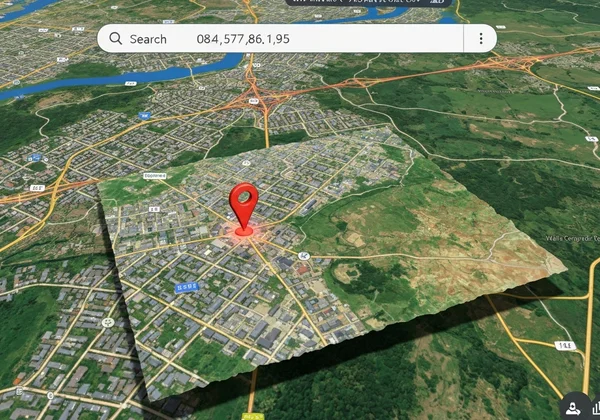
The final step is to turn those coordinates into a familiar map view. Simply copy the latitude and longitude values from the results. Then, open a mapping service like Google Maps or Apple Maps and paste the coordinates into the search bar. The map will instantly zoom in on the precise location where your photo was taken, solving the mystery once and for all. It's a powerful and often delightful moment of rediscovery.
Beyond Nostalgia: Other Uses for Photo Location Data
While rediscovering a forgotten vacation spot is a fantastic use for EXIF GPS data, its applications go far beyond nostalgia. This hidden information can be a practical tool for organization, verification, and even creative projects.
Rekindle Travel Memories and Build Photo Albums
Once you check photo gps data, you can organize your travel photos with incredible accuracy. Imagine creating a digital photo album or a blog post where each image is mapped to its exact location. This allows you to build a visual travelogue, helping you and others retrace your steps and relive the journey.
Verify Image Origin and Authenticity for Research
For journalists, researchers, or anyone needing to verify the source of an image, EXIF location data is invaluable. It can help confirm whether a photo was actually taken at the place it claims to be from, adding a layer of authenticity to a story or report. It's a fundamental tool for digital forensics and fact-checking.
Efficiently Organize Your Photo Library by Geographic Tags
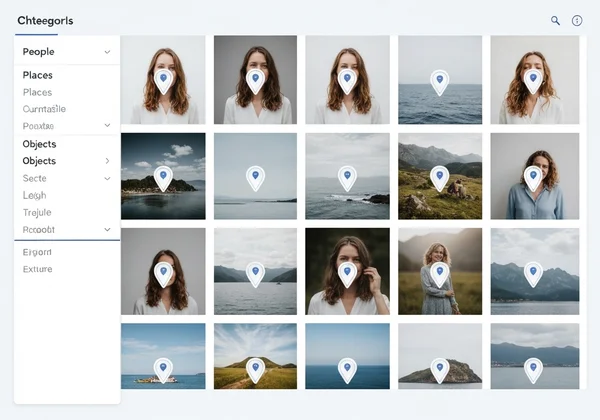
If you have thousands of photos, managing them can be a challenge. Many photo management applications can read EXIF data and automatically tag your images by location. By using an EXIF reader like ours, you can first check which photos contain this data and then use it to build a highly organized and searchable photo library, making it easy to find all the pictures you took in a specific city or park.
Rediscover Your Memories and More with EXIF Location Data
Your digital photos are more than just pixels on a screen; they are rich data capsules holding the stories of your life's moments. The hidden GPS coordinates within them are a key to unlocking forgotten memories and bringing past experiences back into sharp focus. With a secure, private, and easy-to-use tool, you have the power to become a detective of your own past.
Our platform provides the safest and simplest way to explore this hidden world. Because we never upload your files, you can investigate any photo with confidence. Ready to start your journey? Visit our homepage and see what secrets your photos hold.
Frequently Asked Questions About Photo Locations & EXIF Data
Does EXIF data always contain GPS location information?
No, not always. The presence of GPS data depends on whether the camera or smartphone had its location services enabled when the photo was taken. If the setting was turned off or the device couldn't get a GPS signal (e.g., indoors), the location data will not be recorded in the EXIF file.
How can I remove GPS data from my photos before sharing?
While our tool is designed for viewing data, understanding what's in your photo is the first step to managing your privacy. After you check a photo on EXIFData.org and confirm it has location data, you can use various desktop software or mobile apps specifically designed to strip or edit metadata before sharing it online.
Do screenshots or downloaded images have EXIF data with location?
Generally, screenshots do not contain EXIF data from the original image, and they typically don't include GPS location unless the device's operating system adds it. When you download an image from most social media sites (like Facebook or Instagram), the platform usually removes sensitive EXIF data, including location, for privacy reasons.
Is it safe to upload my photos to an online EXIF viewer like ours?
This is a critical question. With many online tools, "upload" means sending your file to a server, which can be a privacy risk. However, our tool is different and exceptionally safe. Our tool uses browser-side technology, meaning your photos are processed directly on your device and are never uploaded to our servers. This guarantees your privacy is 100% protected, making it one of the most secure options available to view photo metadata.